Raspberry Pi 3A 3 Model A SBC Board – Cortex A53-512 MB RAM
$62.2
$98.28
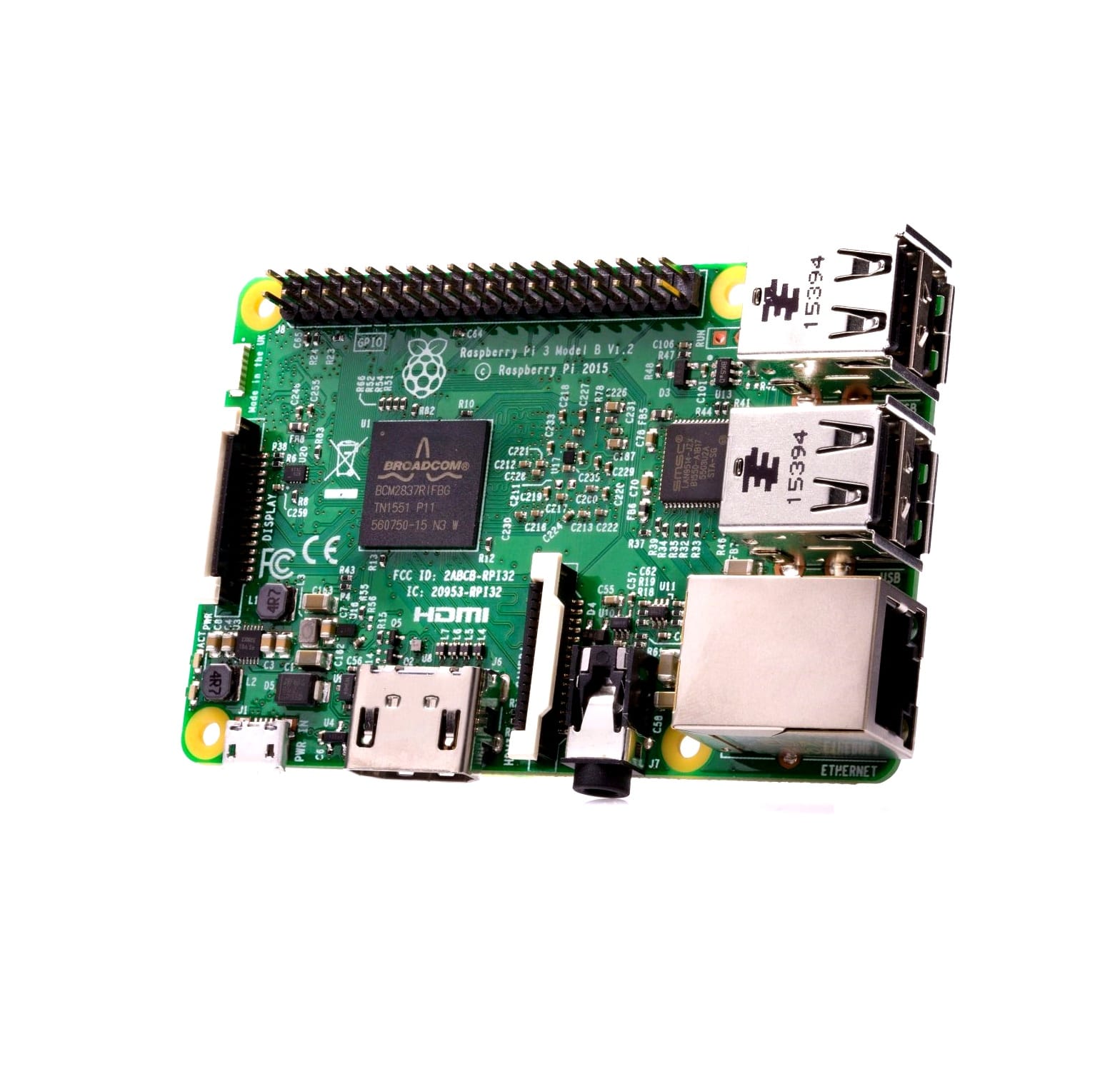
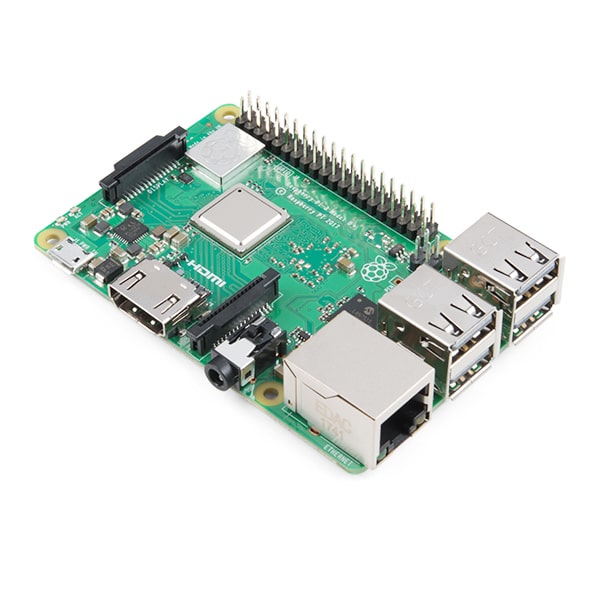
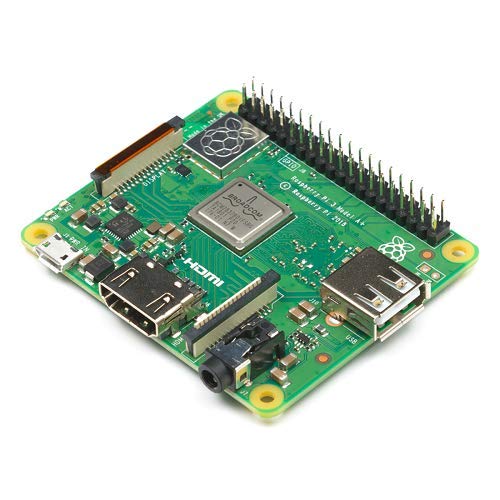
Raspberry Pi 3A 3 Model A SBC Board – Cortex A53-512 MB RAM- PiBOX India- 2018 Model The Raspberry Pi 3 Model A is the latest product in the Raspberry Pi 3 range. Like the Raspberry Pi 3 Model B , it boasts a 64-bit quad core processor running at 1.4 GHz, dual-band 2.4 GHz and 5 GHz wireless LAN, and Bluetooth 4.2/BLE. The dual-band wireless LAN comes with modular compliance certification, allowing the board to be designed into end products with significantly reduced wireless LAN compliance testing, improving both cost and time to market. The Raspberry Pi 3 Model A has the same mechanical footprint as the Raspberry Pi 1 Model A . SPECIFICATIONS Processor: Broadcom BCM2837B0, Cortex-A53, 64-bit SoC @ 1.4 GHz Memory: 512MB LPDDR2 SDRAM Connectivity: 2.4 GHz and 5 GHz IEE 802.11.b/g/n/ac wireless LAN, Bluetooth 4.2/BLE Access: Extended 40-pin GPIO header Video & sound: 1 x full size HDMI, MIPI DSI display port, MIPI CSI camera port, 4 pole stereo output and composite video port Multimedia: H.264, MPEG-4 decode (1080p30); H.264 encode (1080p30); OpenGL ES 1.1, 2.0 graphics SD card support: Micro SD format for loading operating system and data storage Input power: 5 V/2.5 A DC via micro USB connector, 5 V DC via GPIO header Environment: Operating temperature, 0-50°C Production lifetime: The Raspberry Pi 3 Model A will remain in production until at least January 2023 Board Dimensions: 65mm X 56mm X 8.5mm (highest component) COMPATIBILITY NOOBS_v2_9_0 (released 11 October 2018) or later – download INCLUDED Raspberry Pi3 Model A Safety guide RESOURCES Raspberry Pi 3 Model A product brief Raspberry Pi 3 Model A mechanical drawing Raspberry Pi 3 Model A schematic diagrams OBSOLESCENCE STATEMENT The Raspberry Pi 3 Model A will remain in production until at least January 2023. SOFTWARE INSTALLATION Beginners should start with the NOOBS operating system installation manager, which gives the user a choice of operating system from the standard distributions. Raspbian is the recommended operating system for normal use on a Raspberry Pi. Find help with installing Raspbian on your Pi in our online Getting started guide. You can browse basic examples to help you get started with some of the software available in Raspbian, find more detail about the Raspbian operating system, or read information on fundamental Linux usage and commands for navigating the Raspberry Pi and managing its file system and users. Go to Site home